Built for people whose AI history became real work.
ChatVault AI focuses on the messy parts of AI tools: exporting useful answers as local files, finding them again, grouping them by project, and reopening the original conversation after the day has moved on.
01
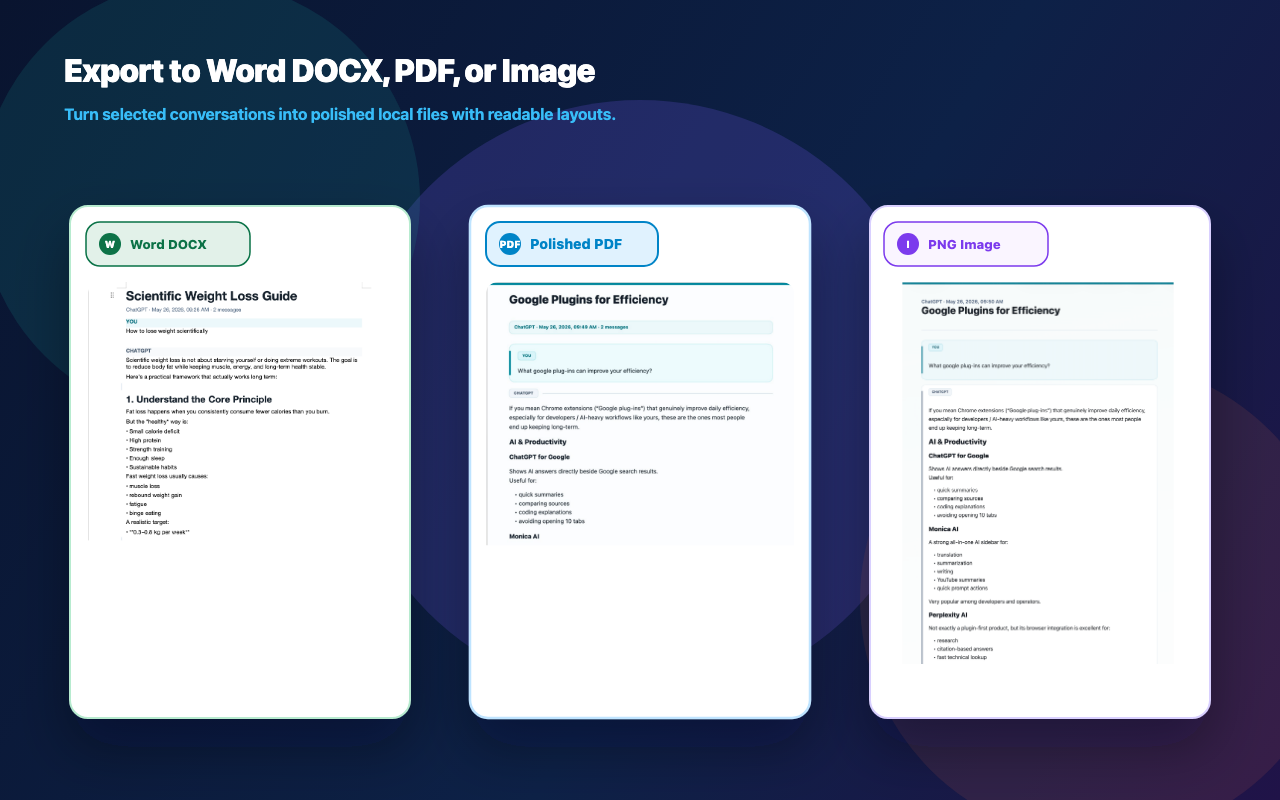
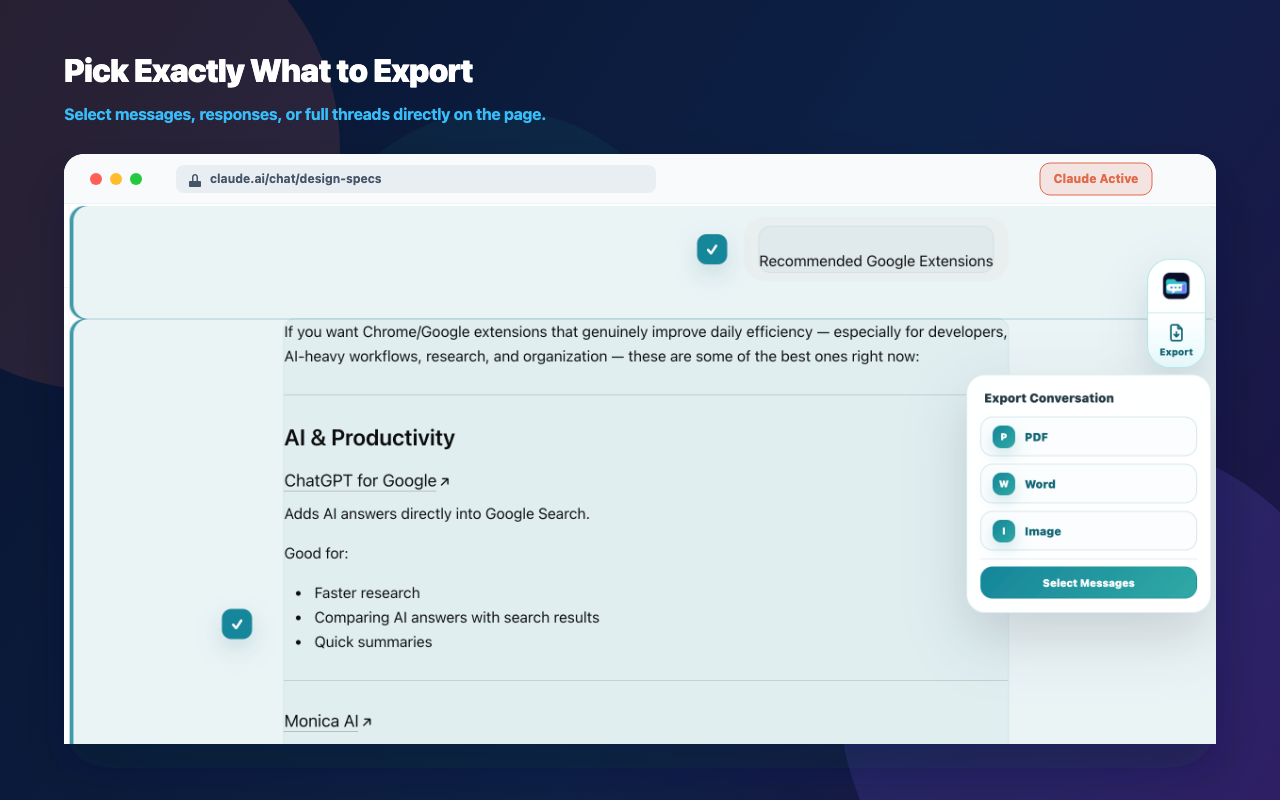
PDF, Word, and Image export
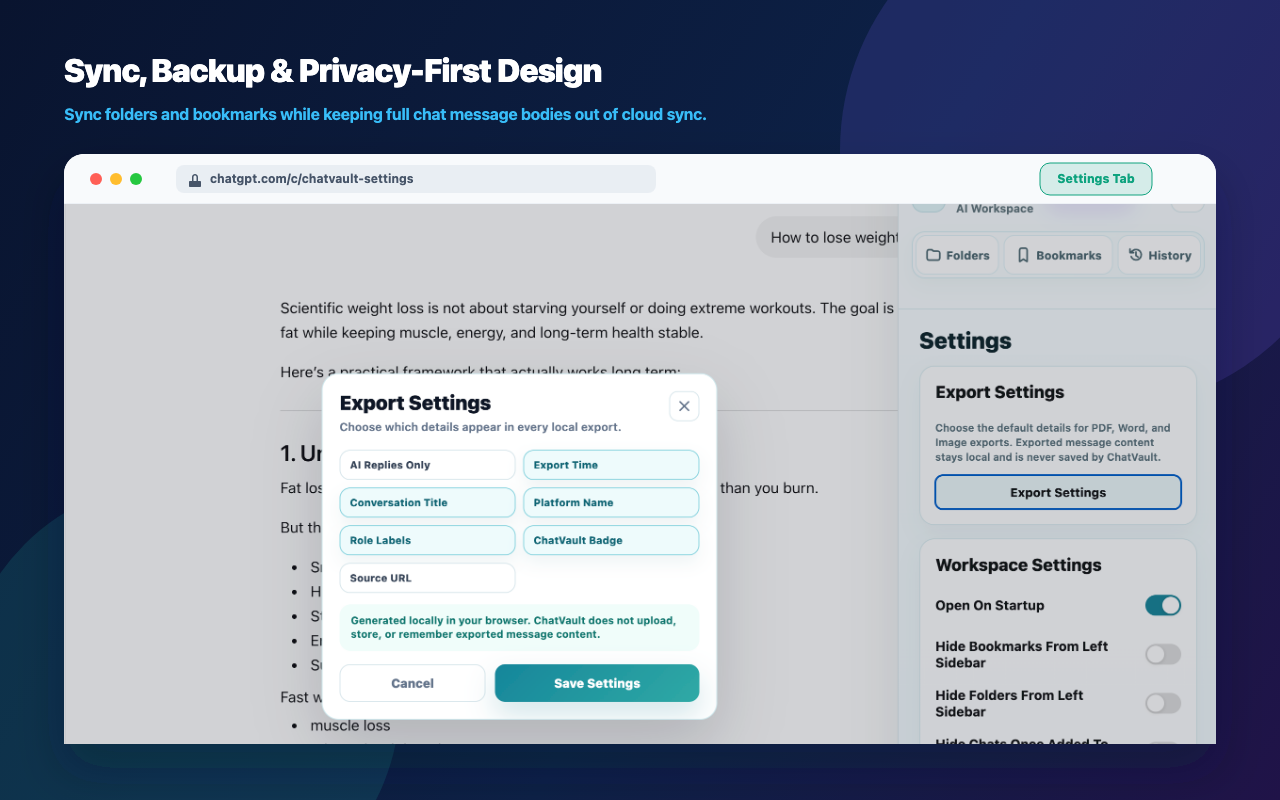
Turn selected ChatGPT, Claude, and Gemini conversations into local PDF, editable Word DOCX, or Image snapshots for notes, reports, client handoff, research archives, or sharing. Choose full conversation, selected messages, or AI replies.
02
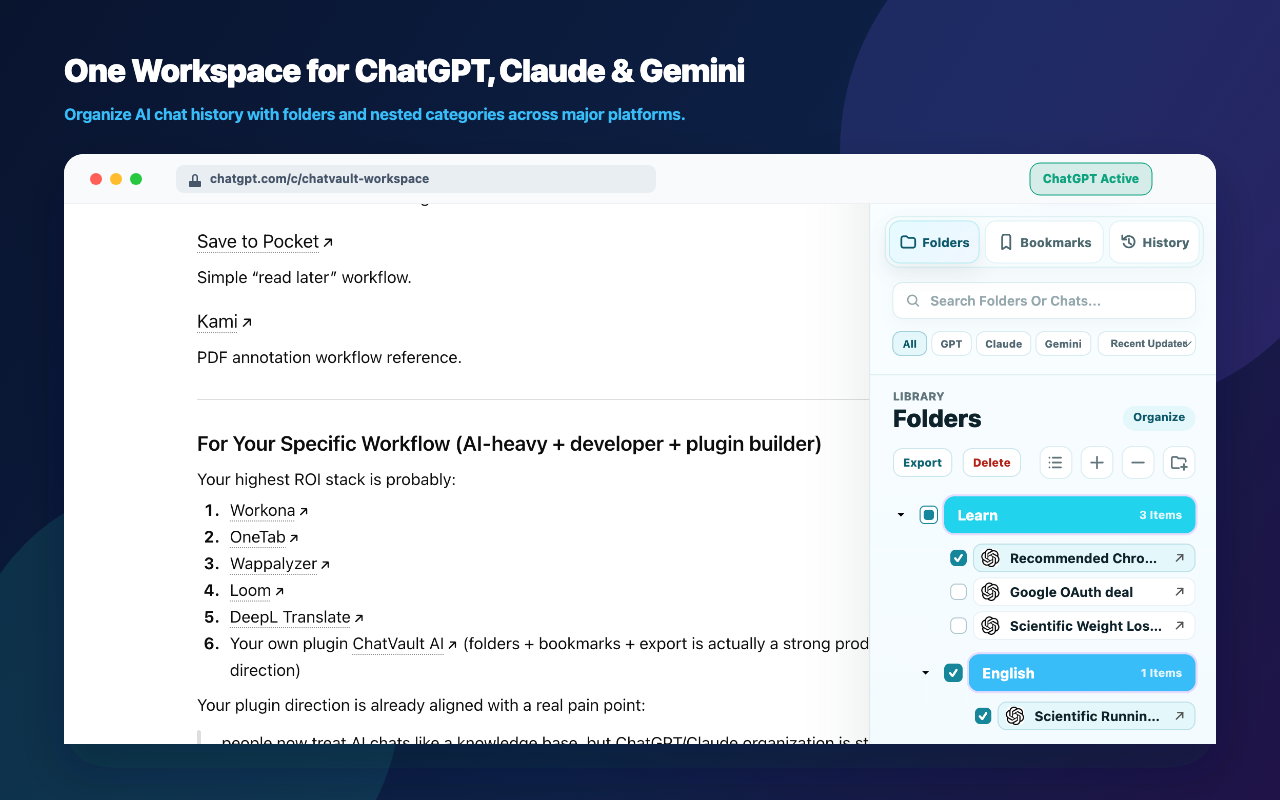
Folders and nested folders
Create structured folders for projects, clients, research topics, writing drafts, code reviews, or learning paths. Single-click a folder to expand or collapse it.
03
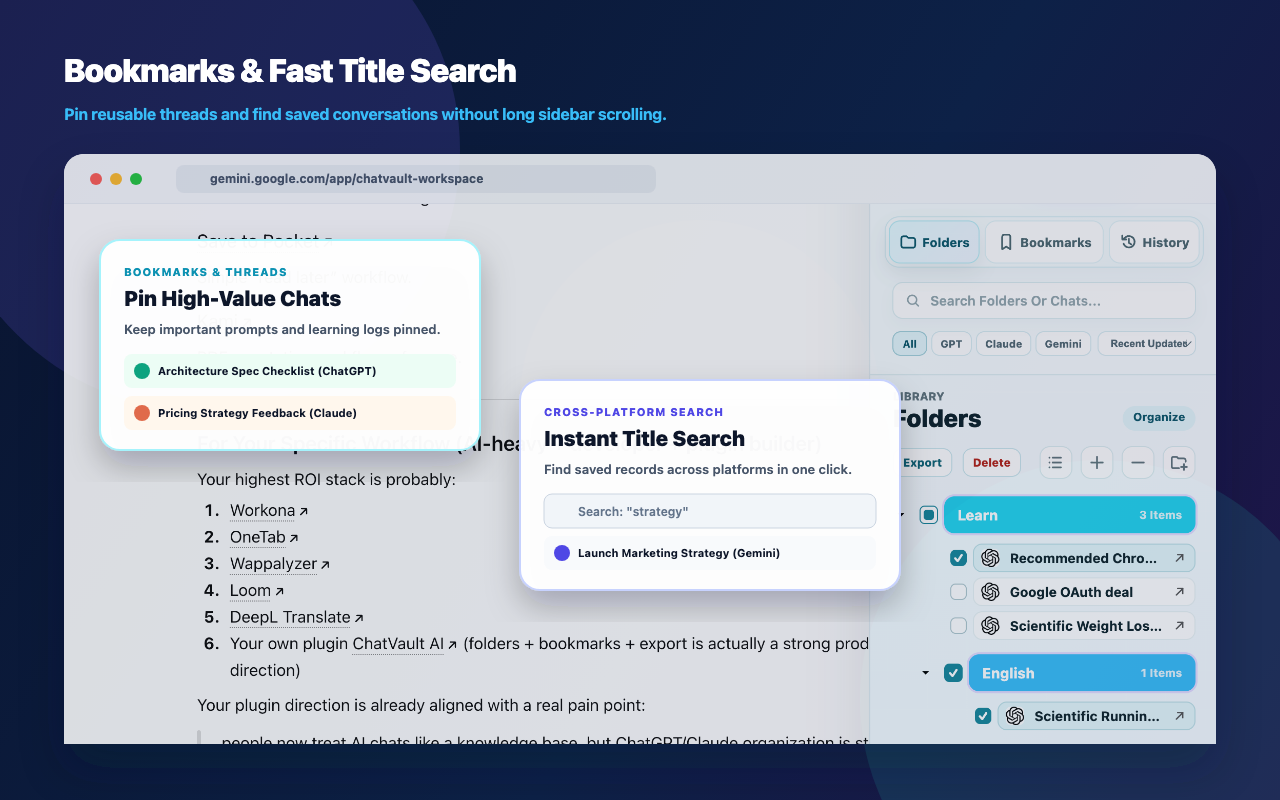
Bookmarks for key chats
Bookmark important ChatGPT, Claude, and Gemini conversations from the history list with an instant local UI update, then sync metadata in the background.
04
Faster organizing
Add several conversations to a folder with multi-select, first-page loading, quiet background indexing, and local caching for smoother organization.
05
Platform-aware records
Keep ChatGPT, Claude, and Gemini folders, bookmarks, projects, and chat references clearly labeled with platform icons and separate metadata.
06
Account-backed sync
Use a ChatVault AI account to sync folder, bookmark, title metadata, linked account metadata, and settings.
07
Backup and import
Export and import folder and bookmark structures, including local backup tools that help your organizer data move with you.